
The golf simulator industry is growing rapidly, driven by increasing demand from indoor golf clubs, sports training centers, entertainment venues, and commercial golf facilities.
While most attention is focused on launch monitors, projectors, and simulation software, another component plays an equally important role in the overall user experience—the touch display.
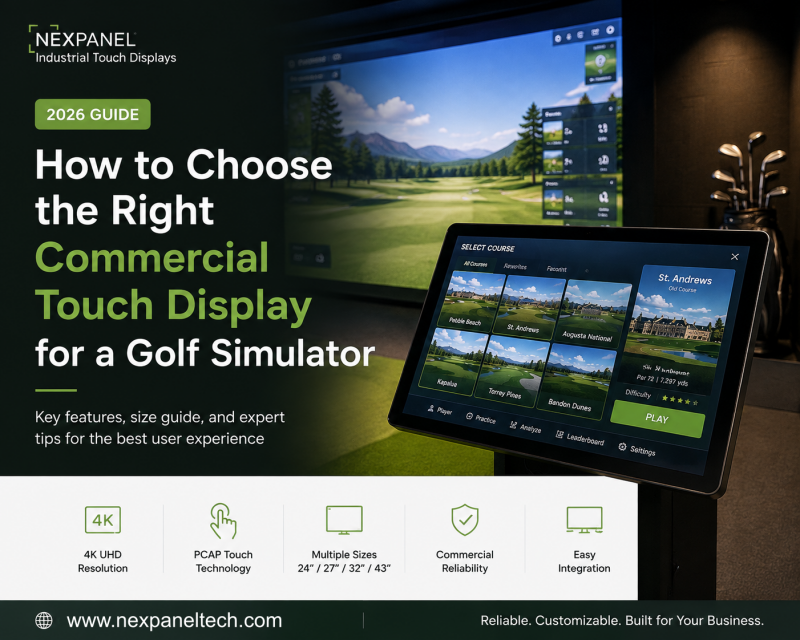
A commercial touch display serves as the primary interface between users and the simulator system. From selecting golf courses and managing player profiles to viewing swing analysis and adjusting settings, almost every interaction begins with the display.
Choosing the right touch display can improve both the user experience and the long-term reliability of the system.
In this guide, we’ll explain the key considerations when selecting a commercial touch display for golf simulator applications.
Why Commercial Touch Displays Instead of Consumer Monitors?
Many early-stage golf simulator projects begin with consumer monitors because they are inexpensive and readily available. However, commercial installations have very different requirements.
Commercial touch displays are designed for:
-Daily operation over extended hours
-Continuous touch interaction
-Stable performance in commercial environments
-Flexible mounting options
-Long product lifecycle
-Better integration with industrial computers and simulator systems
For golf clubs and commercial entertainment venues, reliability is often more important than consumer-oriented features.
Key Features to Consider
1. 4K Resolution
Golf simulator software continues to deliver increasingly realistic graphics.
A 4K display provides:
- Sharper course details
- Better readability of swing data
- Improved user interface experience
- More immersive interaction
For premium simulator installations, 4K has become the preferred choice.
2. Responsive PCAP Touch Technology
Projected Capacitive (PCAP) touch technology offers:
- Fast response
- Accurate multi-touch interaction
- Smooth navigation
- Durable glass surface
This provides a more intuitive experience when players browse courses, review statistics, or adjust settings.
3. Choosing the Right Display Size
Different installations require different screen sizes.
| Display Size | Typical Application |
| 24″ | Compact simulator stations |
| 27″ | Standard commercial installations |
| 32″ | Premium simulator rooms |
| 43″ | Club management, multi-player control, VIP rooms |
The ideal size depends on the available space, viewing distance, and software interface.
4. Commercial Reliability
Unlike consumer monitors, commercial touch displays are designed for long operating hours.
Look for features such as:
- Industrial-grade LCD panels
- Stable power design
- Durable metal housing
- Long product availability
- Consistent quality control
These factors help reduce maintenance costs over the lifetime of the installation.
5. Flexible Integration
Every golf simulator project is unique. A commercial touch display should integrate easily with:
- Windows-based golf simulator software
- Industrial PCs
- Mini PCs
- External peripherals
- Custom enclosures
Flexible I/O options and VESA mounting make installation much easier.
Typical Applications
Commercial touch displays are increasingly used in:
- Indoor golf clubs
- Golf simulator franchises
- Driving range training centers
- Sports academies
- Hotel and resort entertainment
- Commercial recreation venues
As golf simulator systems become more interactive, the touch display has become an essential part of the customer experience.
How NEXPANEL Supports Golf Simulator Projects?
At NEXPANEL, we work with solution providers, system integrators, and OEM customers developing commercial interactive systems. Rather than offering a one-size-fits-all product, we help customers select the display that best matches their project requirements.
Our commercial touch displays support:
- 24″, 27″, 32″, and 43″ sizes
- 4K UHD resolution (selected models)
- PCAP multi-touch technology
- Custom branding
- OEM/ODM customization
- Flexible interface options
- Long-term product availability
Whether you’re building a new golf simulator platform or upgrading an existing solution, selecting the right commercial display can improve both system reliability and user experience.
Final Thoughts
The touch display is often the first point of interaction between the golfer and the simulator.
Choosing the right commercial display isn’t simply about selecting a screen—it’s about creating a smoother, more reliable, and more enjoyable experience for every player.
As the golf simulator industry continues to evolve, commercial-grade touch displays will play an increasingly important role in delivering premium interactive experiences.
If you’re developing a golf simulator solution and would like to discuss the most suitable touch display for your project, our team is always happy to share recommendations based on your application requirements.