
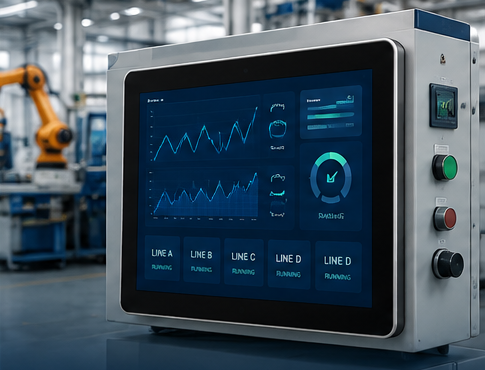
Industrial touch monitors are widely used in manufacturing automation, self-service kiosks, smart retail systems, and industrial control applications. Choosing the right monitor is critical to ensuring long-term reliability and system performance.
1. Define Your Application Environment
The first step is understanding where the monitor will be installed.
Questions to consider:
- Indoor or outdoor use?
- Exposure to dust or moisture?
- 24/7 operation required?
- High vibration environment?
For harsh environments, an IP65 front panel and industrial-grade components are highly recommended.
2. Select the Appropriate Display Size
Industrial touch monitors are available from 7″ to 55″.
Common choices:
| Application | Recommended Size |
|---|---|
| Smart Locker | 7″-10.1″ |
| HMI Control | 10.1″-15.6″ |
| Industrial Equipment | 15.6″-21.5″ |
| Kiosk Systems | 21.5″-32″ |
| Digital Signage | 32″-55″ |
3. Choose the Right Touch Technology
Projected Capacitive Touch (PCAP) is the most popular solution today.
Benefits:
- Multi-touch support
- Smooth operation
- Durable glass surface
- Better user experience
4. Check Interface Compatibility
Ensure compatibility with your host system.
Typical interfaces:
- HDMI
- VGA
- USB Touch
- RS232
- RJ45
5. Consider OEM Customization
Many projects require:
- Custom logo
- Special brightness
- Open frame design
- Custom mounting brackets
Working with an experienced OEM manufacturer can reduce development time and cost.
Conclusion
Selecting the right industrial touch monitor requires balancing environment, display size, touch technology, connectivity, and customization requirements. A properly selected monitor can improve reliability and reduce maintenance costs throughout the product lifecycle.